
Dock Tile began as a simple idea: bring iOS-style app folders to the macOS Dock. It ended up being a deeper technical project than I anticipated, and my first time building a macOS application end-to-end with Claude Code, which made the unfamiliar terrain more navigable. Here's how it came together.

Problem
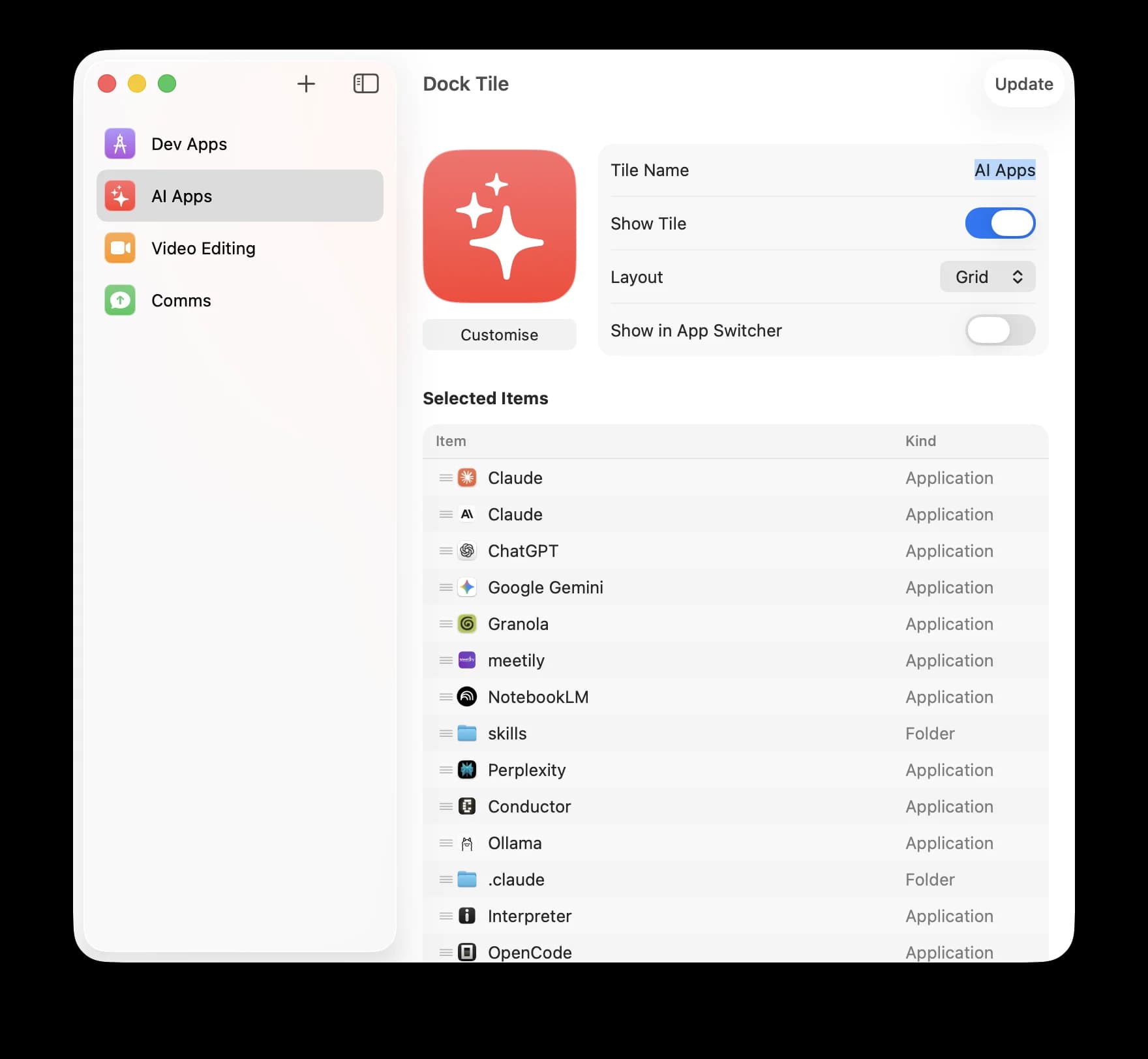
I've been designing iOS apps for the better part of a decade, but macOS has always remained an unexplored frontier. Since I dip my toes in design & coding every now and then, the workflow of apps differed based on what I was doing, so that meant at any given time I end up with a heap of apps to deal with and often get lost in the sea of open windows. That's when the idea occurred: why not build a simple utility that lets you create multiple custom dock tiles, each acting as its own app launcher with independent apps & folders. Think of it as our iOS home screen folders for your macOS Dock, but with more customization.
What made this project interesting wasn't the final app so much as the journey of building a macOS app with Claude Code. I leaned heavily into AI-assisted development, following principles from Addy Osmani's AI Coding guide.
The Challenge
The macOS dock is a closed system from Apple, which I realised after starting to validate the idea with a quick prototype. macOS doesn't provide out-of-the-box APIs for creating multiple dock entries from a single app. To make the dock tile helpful, each tile needs to be its own application bundle, which means runtime code generation, code signing, and dock integration without breaking the user's existing setup.
The Architecture
Helper Bundle System
The core insight was treating each dock tile as a separate "helper" application. When you create a tile in Dock Tile, the app:
- Generates a new application bundle from a template
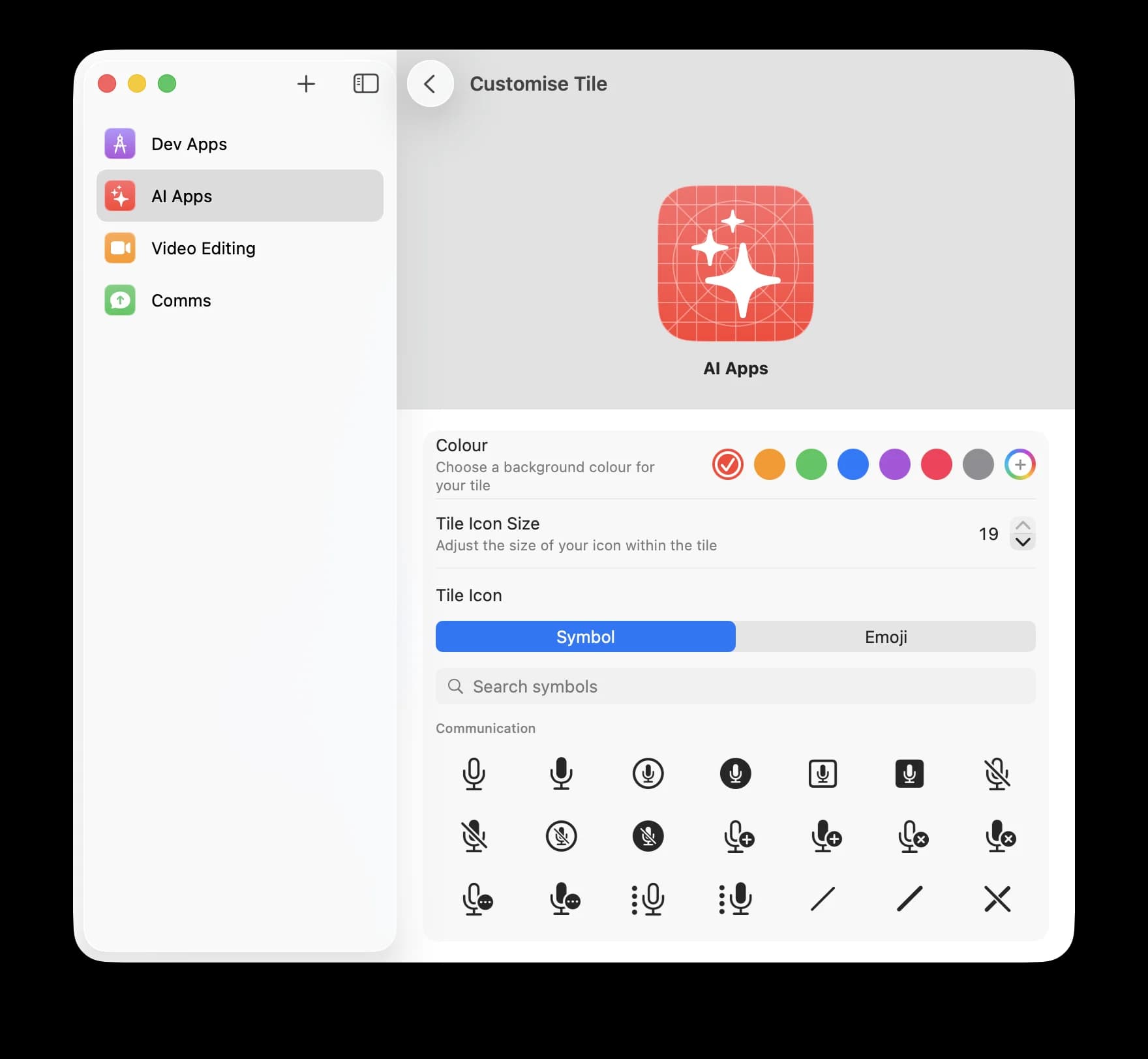
- Injects custom configuration (icon, name, app list)
- Code signs it for macOS to trust
- Registers it with the Dock
Each helper is a fully independent macOS app that reads from a shared configuration file. This means the tiles all survive reboots, work offline, and behave exactly like native apps.
~/Library/Application Support/Dock Tile/
├── My Dev Tools.app     → Helper for development apps
├── Creative Suite.app   → Helper for design apps
└── Quick Launch.app     → Helper for frequently used apps

~/Library/Preferences/com.docktile.configs.json
└── Shared configuration for all tiles
Ghost Mode vs App Mode
One of the trickiest problems was Cmd+Tab behavior. If users want the tiles in the dock but not in the app switcher, we had to make the launchers invisible. But macOS ties these together: hiding from Cmd+Tab meant that we lost the right-click context menu. The solution was a dual-mode architecture:
| Mode | Cmd+Tab | Context Menu | Use Case |
|---|---|---|---|
| Ghost Mode | Hidden | Disabled | Minimal footprint |
| App Mode | Visible | Full access | Power user features |
This trade-off doesn't compromise the core function. The default is Ghost Mode: tiles appear in the Dock, respond to clicks, but stay out of the way.
The AI Collaboration
This project was my first deep experiment with AI-assisted native app development. Not "AI writes the code while I watch", but genuine collaboration.
What worked
What didn't
The CLAUDE.md file became the project's brain. At 2,000+ lines, it contains architecture decisions, code patterns, debugging tips, and the full changelog. When context resets, this file rebuilds understanding almost instantly.
Once I had customisation, configuration, and a working prototype together fairly quickly, the rest of the time went into building and testing the app, the release pipeline, and the test automations. True to the Pareto principle, the final 20% of polish, code signing, notarisation, automated builds, took as much effort as the first 80% of core functionality. Once that was in place, I set off the release build, and the app is ready to use now.
Dock Tile's source code is available on GitHub for anyone interested in how it works under the hood, or to contribute to future features.
What I Learnt
macOS is different.
Coming from iOS, I expected similar patterns. Instead, I found AppKit, NSPopover, Launch Services, and a Dock that predates most modern APIs. The hybrid SwiftUI + AppKit approach was necessary, not a compromise.
AI changes the learning curve.
Topics that would have taken days of documentation study on CFPreferences, code signing entitlements, and icon generation at multiple scales became a quick, practical study. The AI didn't replace learning; it made it interesting.